 0 800 750-806

08 October 2026
How to Choose a Photo Book: Format, Paper, Binding, and Cover



To choose a photo book, follow these steps in order: first determine the orientation of most of your photos and the book size you want, then choose a Magazine or Lay Flat binding and a compatible paper, and only after that select the cover.
For a first, versatile photo book, the easiest place to start is a square 20×20 or 23×23 cm format. If panoramic images and full-spread photos matter most, consider Lay Flat. If you need to fit many pages, a Magazine binding may be the more practical option.
The best format depends primarily on the orientation of your photos and how you plan to view the book.

A square format works well when your selection contains both portrait and landscape images. The available square sizes are 19×19, 20×20, 23×23, and 30×30 cm.
Consider the 20×30 cm format if most of your photos are vertical: portraits, full-length shots, graduation photos, or studio images. Landscape photos can also be used in this format, but they will more often require margins, a collage, or cropping.
Two landscape formats are available, but each is tied to a specific binding: 30×20 cm is available only with the Magazine binding, while 29×19 cm is available with Lay Flat. Both formats work well for landscapes, architecture, group photos, and panoramas.
Tip. Do not choose a large format simply because it looks more impressive. First check whether your files have enough resolution for the planned image size. The Gramofon editor warns you about insufficient resolution with a yellow border and an exclamation mark.
The binding determines how the pages are joined and how an image behaves near the center of a spread.

| Criterion | Magazine binding | Lay Flat |
|---|---|---|
| Pages | Flexible pages bound at the spine | Rigid pages, with spreads glued back to back |
| Opening | Part of the image near the spine may be less visible | Opens to 180°; the crease remains, but the image does not disappear into the spine |
| Full-spread photos | Keep important details away from the center | Suitable for panoramas and large images |
| Page count | Up to 96 | 24–80; Satin PRO has a maximum of 46 pages |
| Best for | Many pages, collages, and individual photos | Panoramas, wedding spreads, and large images |
A Magazine binding is not worse than Lay Flat — it solves a different problem. If you are creating a year-in-review book with many events, its page capacity may matter more than a 180° opening. If your layout includes panoramic landscapes or a group photo across two pages, Lay Flat has the advantage.
Learn more: how Magazine and Lay Flat bindings differ.
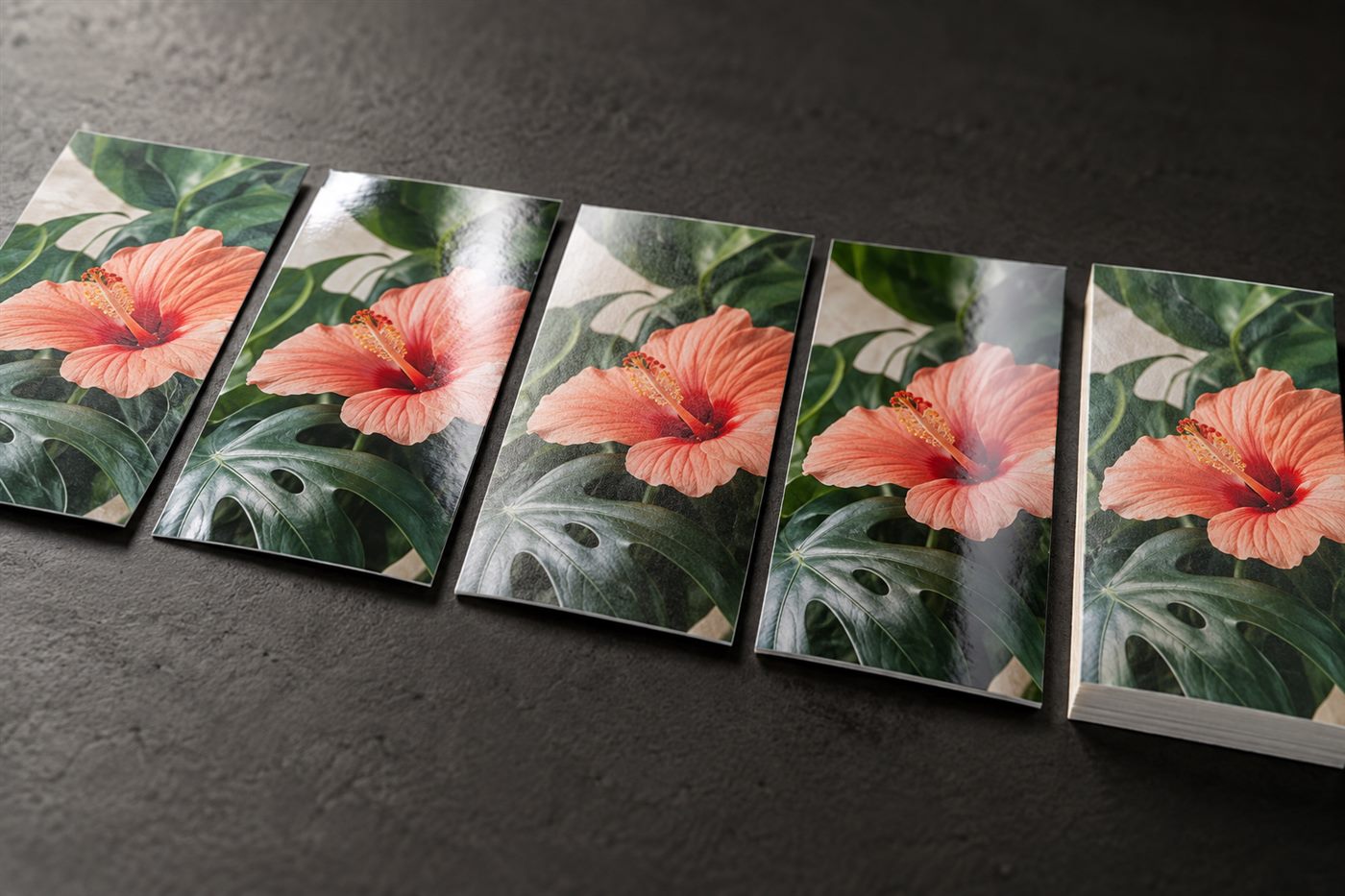
At Gramofon, the paper depends on the binding. Matte and glossy options are available for Magazine books, while satin, thick glossy, and Satin PRO papers are available for Lay Flat.
| Paper | Binding | Properties and recommended use |
|---|---|---|
| Matte | Magazine | A semi-matte texture for understated photo series, text, and collages. |
| Glossy | Magazine | Rich colors for vibrant travel, celebration, and children's photos. |
| Satin | Lay Flat | A thick satin surface for versatile family, portrait, and wedding series. |
| Thick glossy | Lay Flat | A pronounced glossy surface for colorful images. |
| Satin PRO | Lay Flat | Up to 1 mm thick with a cardboard core; suited to wedding and presentation albums. |
Choosing between matte, satin, and glossy surfaces is not about ranking their quality. The right option depends on your photographs and the impression you want to create.
All the Gramofon covers listed here are hardcovers. They differ in material, whether they can feature a photograph, and which decorative options are available.

You can use your own image on the cover. The standard finish is matte Soft Touch lamination; glossy lamination is also available in the editor.
These materials are a good choice if you want a restrained cover without a large photograph. In the editor, you can select the material, color, and compatible decoration:

Learn more: engraving and UV printing on photo book covers.
This option combines a large photograph beneath clear acrylic on the front with eco-leather on the spine and back. Check the current configurator to confirm whether an acrylic cover is compatible with your chosen format, binding, and paper.
These are not the only correct combinations. They are starting points that make it easier to define your own choice.
| Story | Format | Binding and paper | Cover |
|---|---|---|---|
| Travel | 29×19 Lay Flat or 30×20 Magazine; 23×23 for mixed orientations | Lay Flat + satin for panoramas; Magazine + matte for a long chronological story | Soft Touch photo cover |
| Children's photos | 20×20 or 23×23 | Lay Flat + satin or Magazine + glossy | Photo cover or fabric with a photo window |
| Wedding | 30×30 | Lay Flat + Satin PRO; choose standard satin if you need more than 46 pages | Acrylic, velvet, or eco-leather |
| Family archive | 23×23 or 30×30 | Magazine + matte for a chronological story; Lay Flat + satin for key images | Photo cover, fabric, or eco-leather |
A square 20×20 or 23×23 cm format makes it easier to combine portrait and landscape photos. For large wedding or family spreads, consider 30×30 cm.
Magazine binding works better when you need many flexible pages. Lay Flat is designed for rigid pages, a 180° opening, and photographs that run across an entire spread.
Gramofon recommends Satin PRO for a Lay Flat wedding photo book. It is thicker, but the book is limited to 46 pages. If you need more pages, consider standard satin Lay Flat paper.
Yes. In the Gramofon editor, you can change the cover type, material, color, and available decoration.
Determine the orientation of most of your photos and estimate the number of pages you need, then choose a design and check the available options in the configurator.
Browse Photo Book TemplatesOrder not found. Check the entered number and try again.