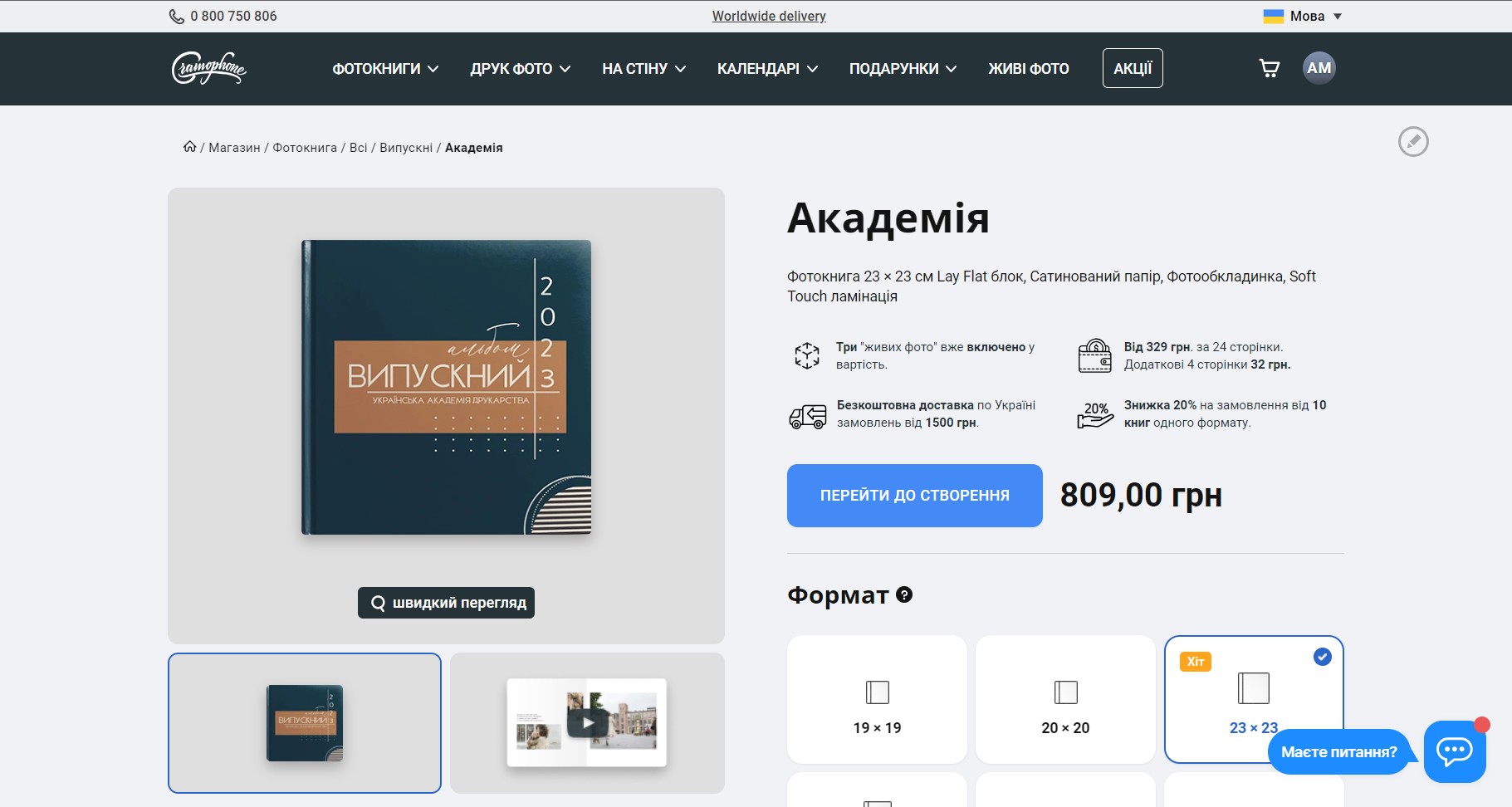
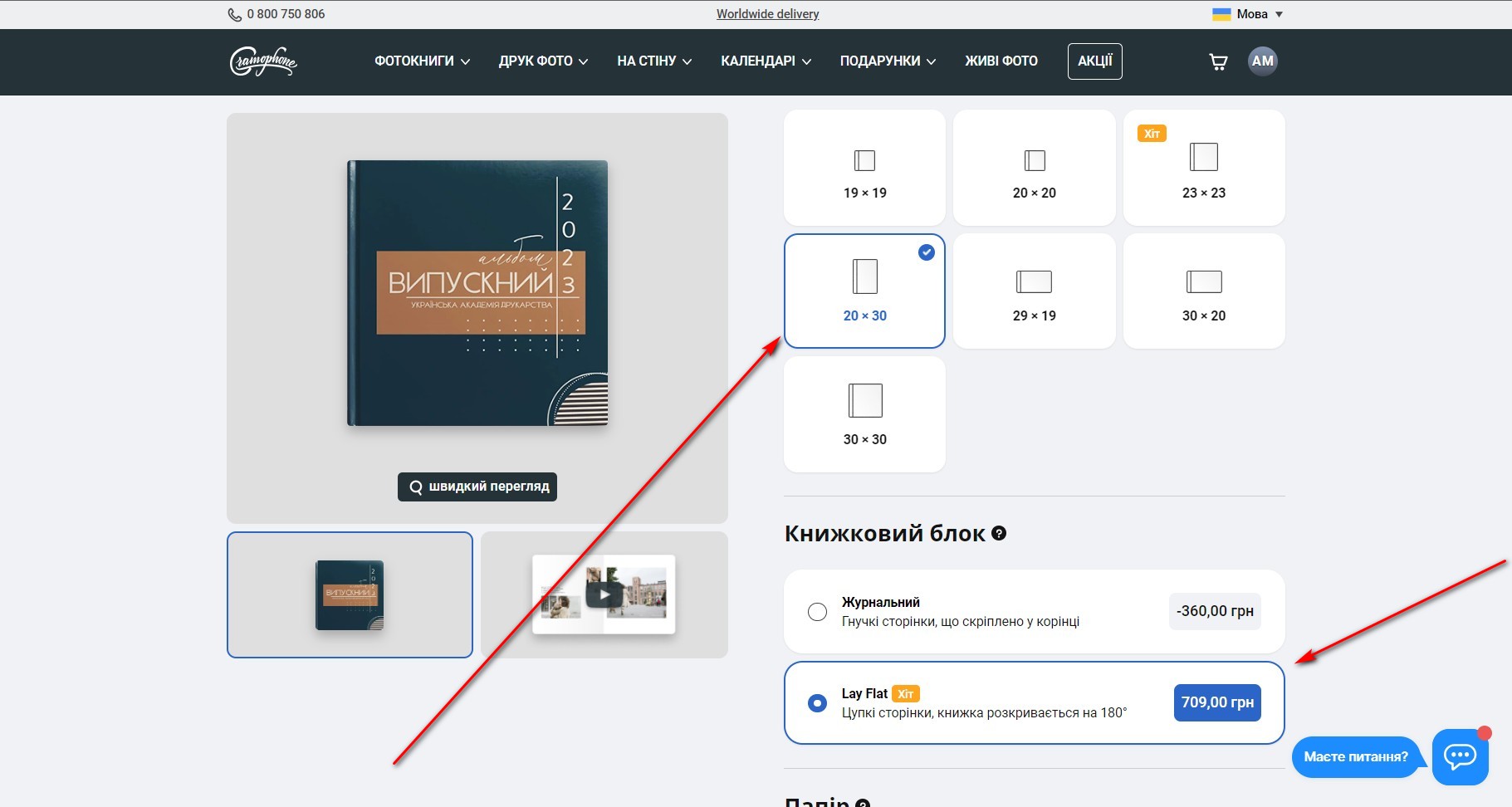
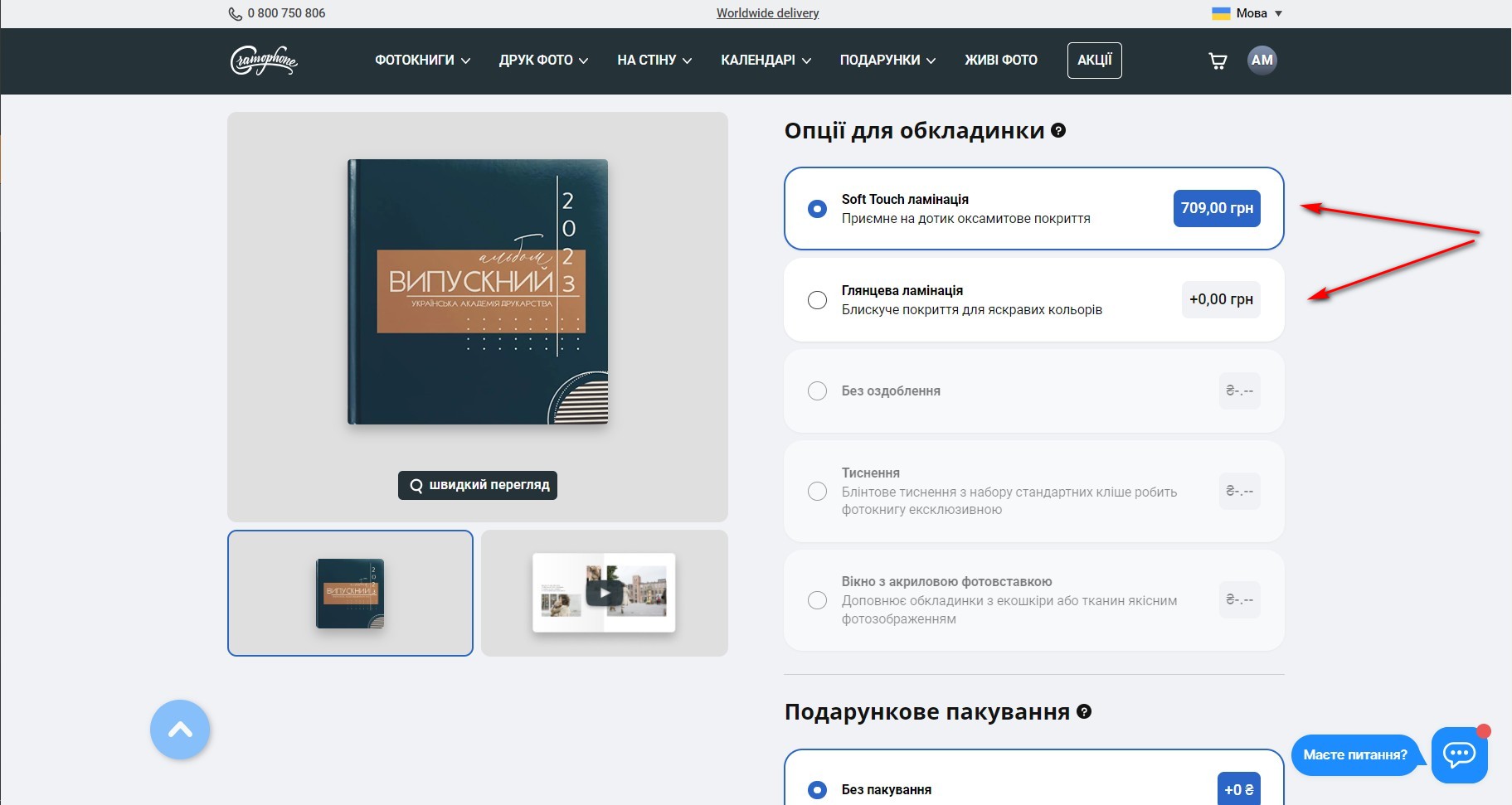
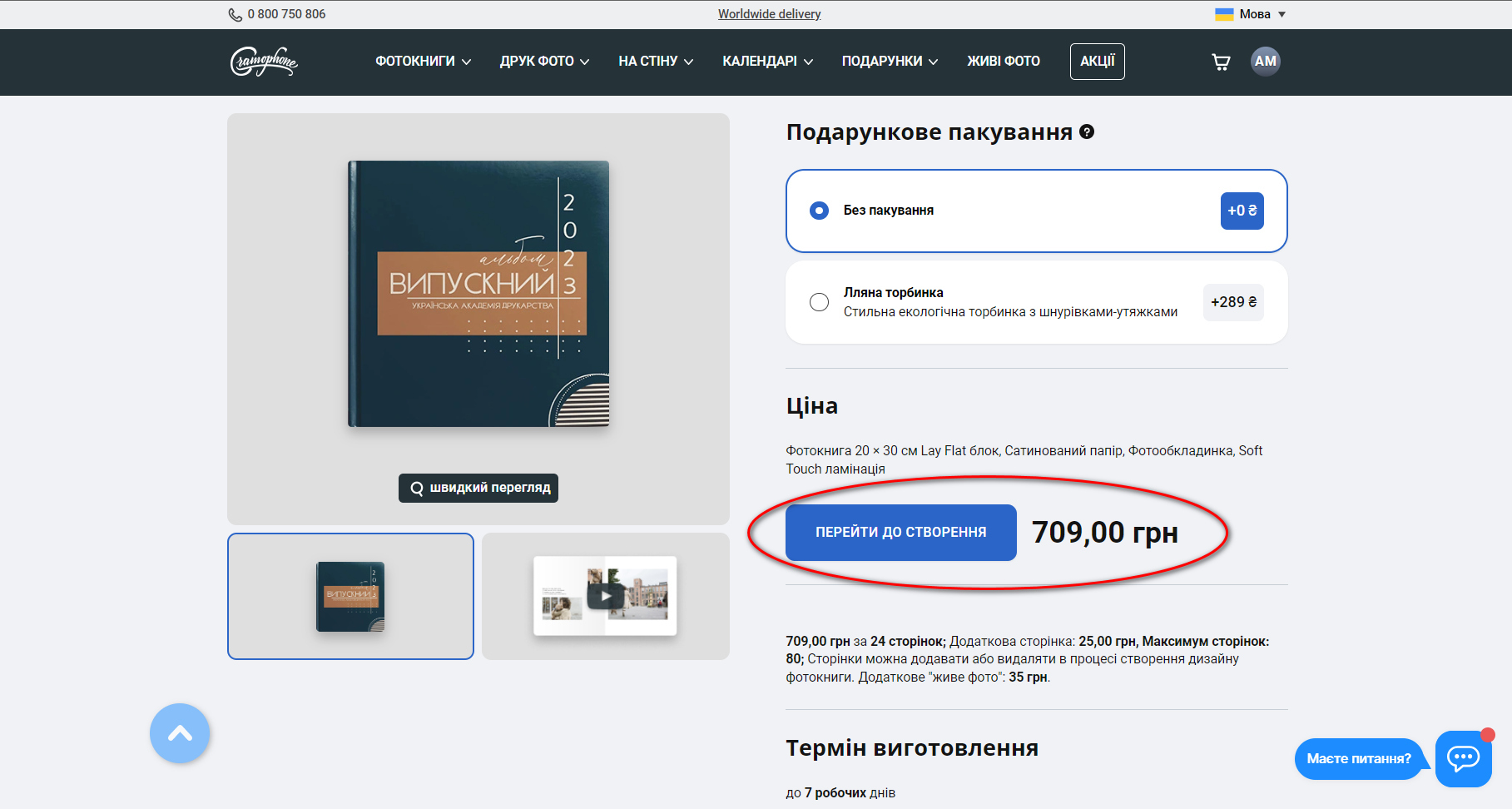
In the configurator, select the parameters of the future album (format, size, block type, paper). The Magazine block will be the cheapest (the pages are soft like in a magazine). And if you want a classic graduation album, choose a Lay Flat block and satin paper.
When changing the parameters, you immediately see the price for 1 album (24 pages) without a discount. It is not possible to order a photo book with fewer pages. If you don't fill them all in, they will still be printed and pasted into the album.
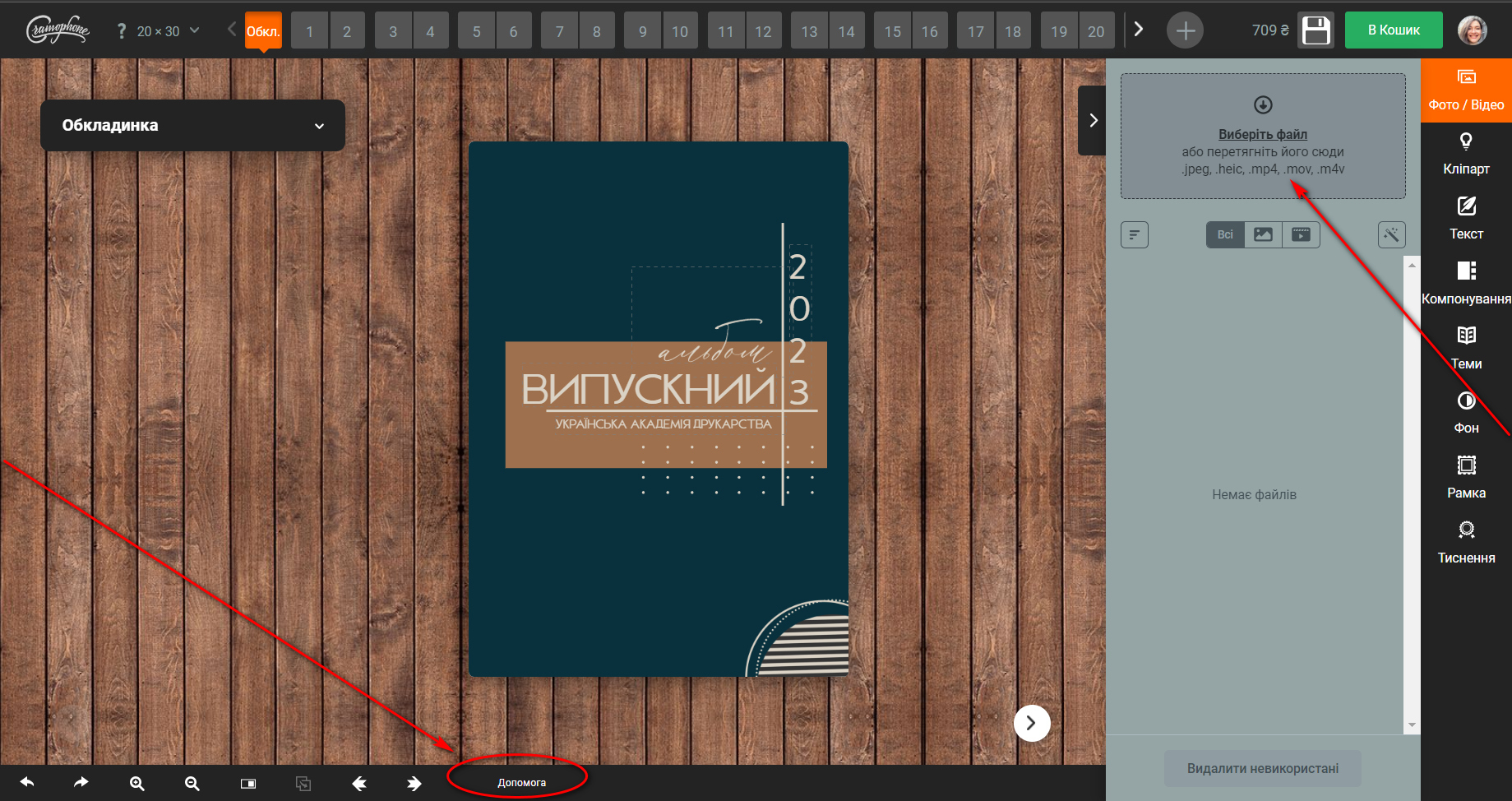
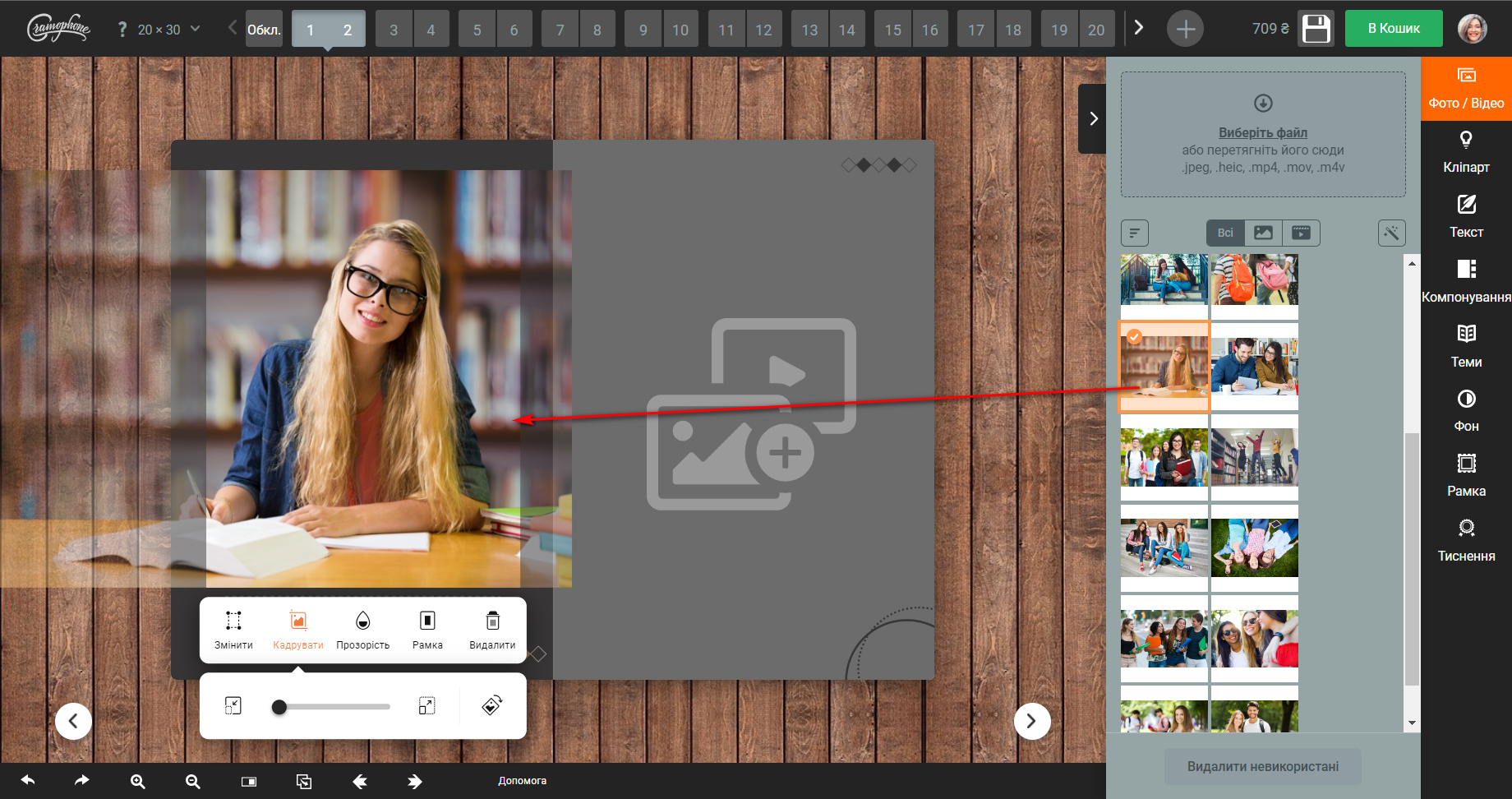
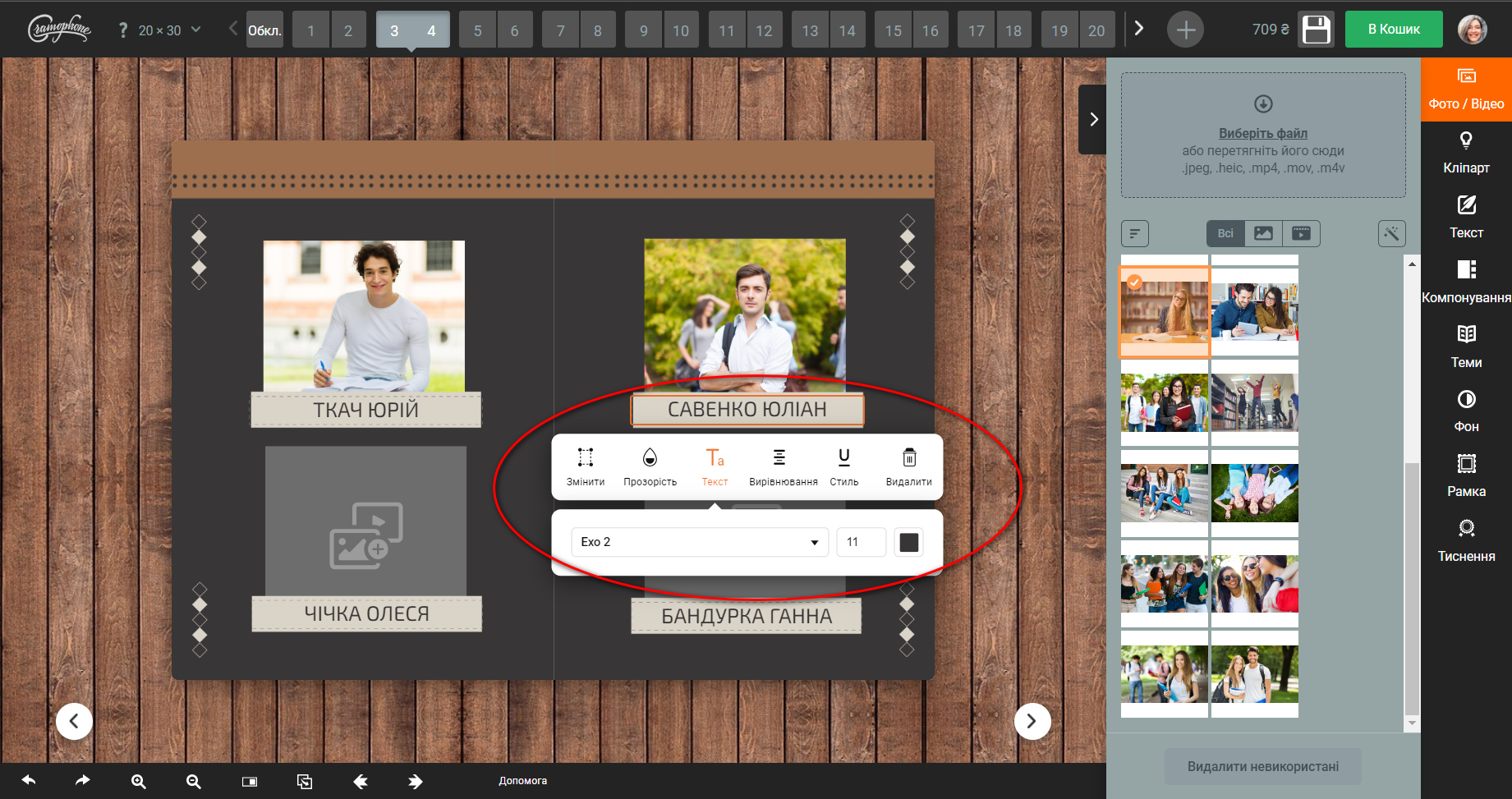
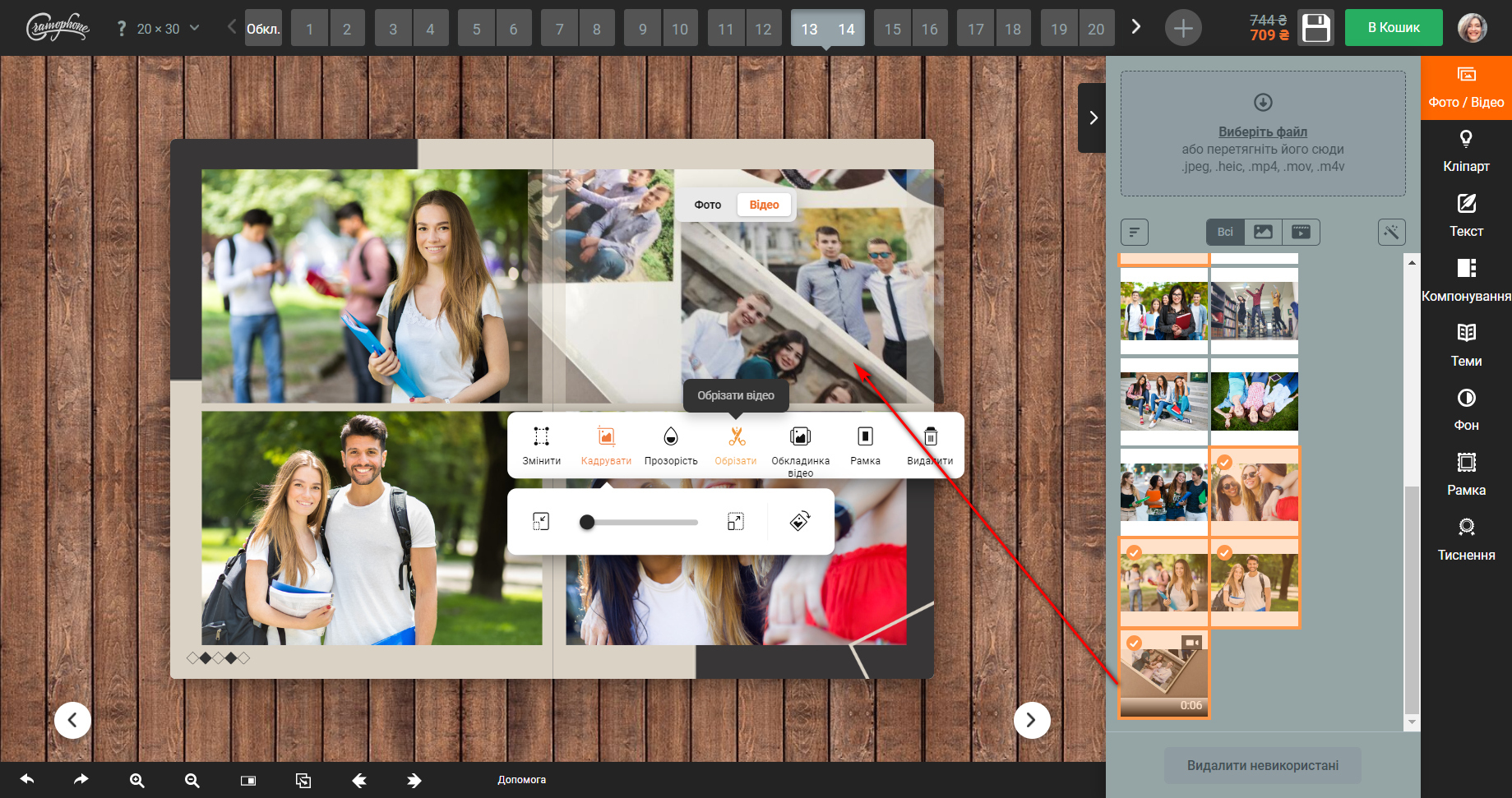
Then go to the editor. Upload a photo of the class and the first student. You can simply add a photo to the cells and change the captions. And you can completely change the design, remove or add objects. Instructions for working with the editor are here and directly in the editor.
Add some "live photos" of a class or a specific student. The price is 35 UAH for one video up to 60 seconds.
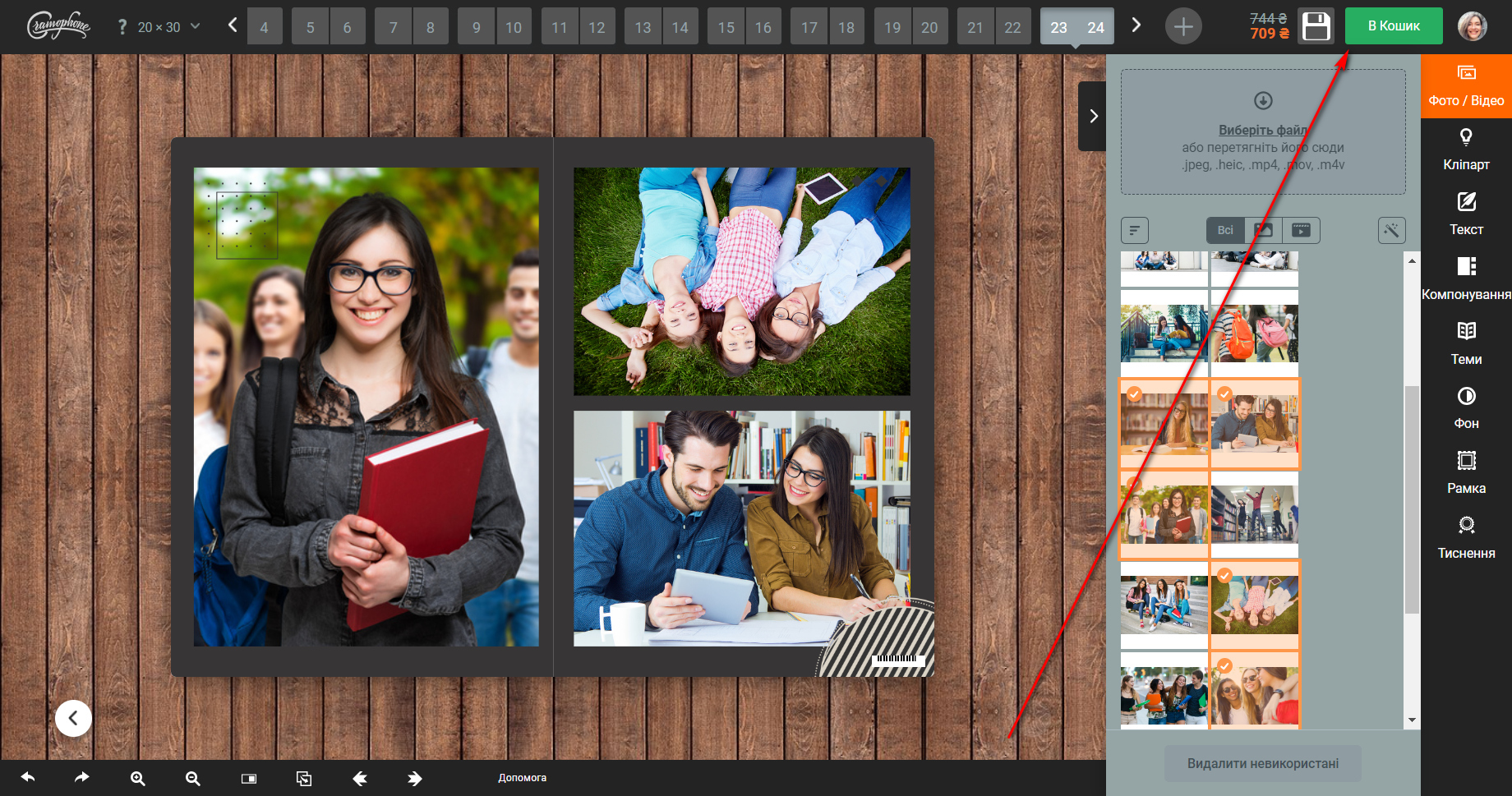
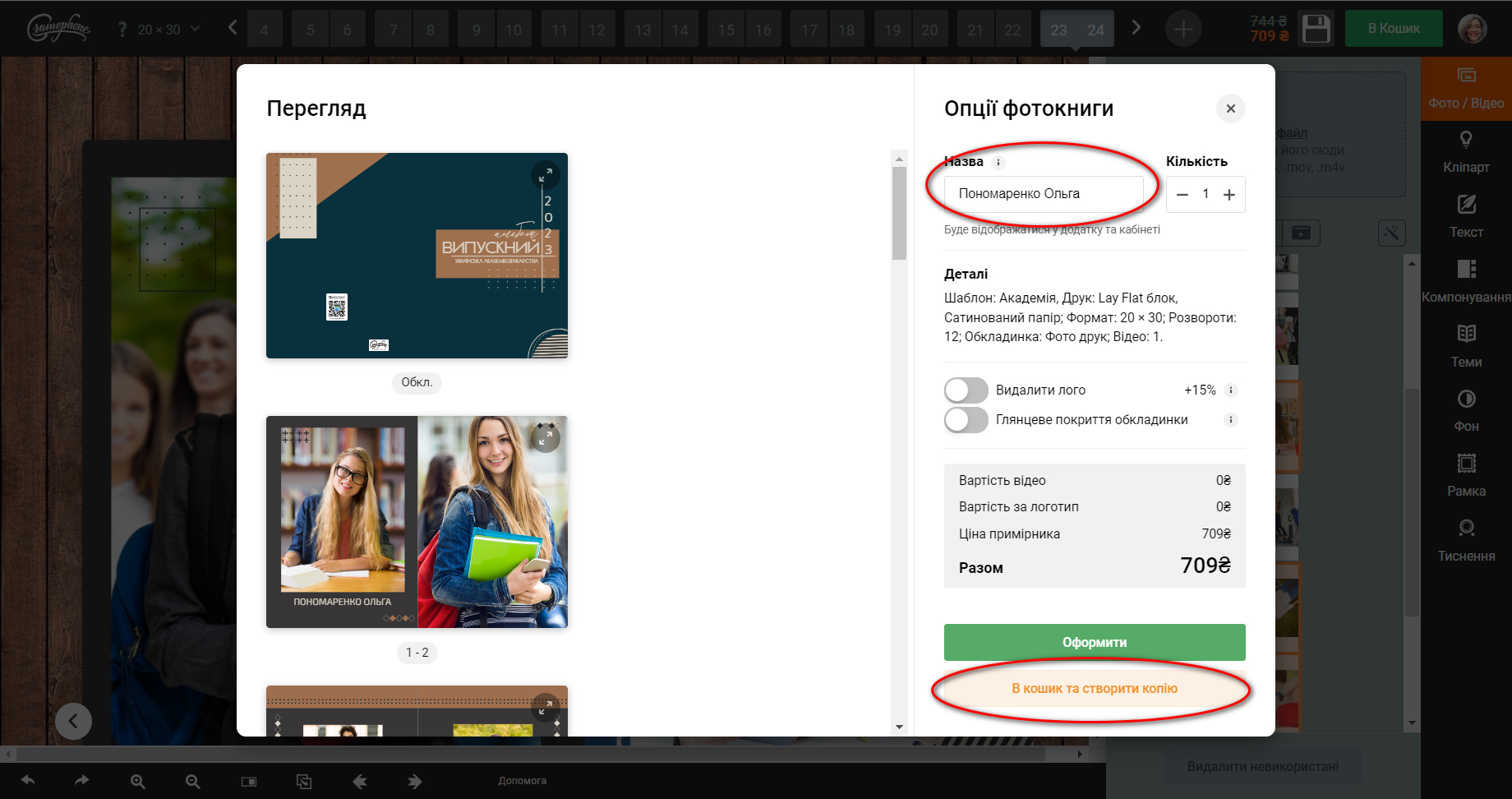
Check the finished layout and all photo captions. All is well? Then press the "Add to Basket" button. In the window that appears, look at the layout again, sign the album with the name of the student for whom it was created and click the "Add to cart and create a copy" button. The finished layout will go to the trash, and you will remain in the editor in a copy that needs to be edited for another student.
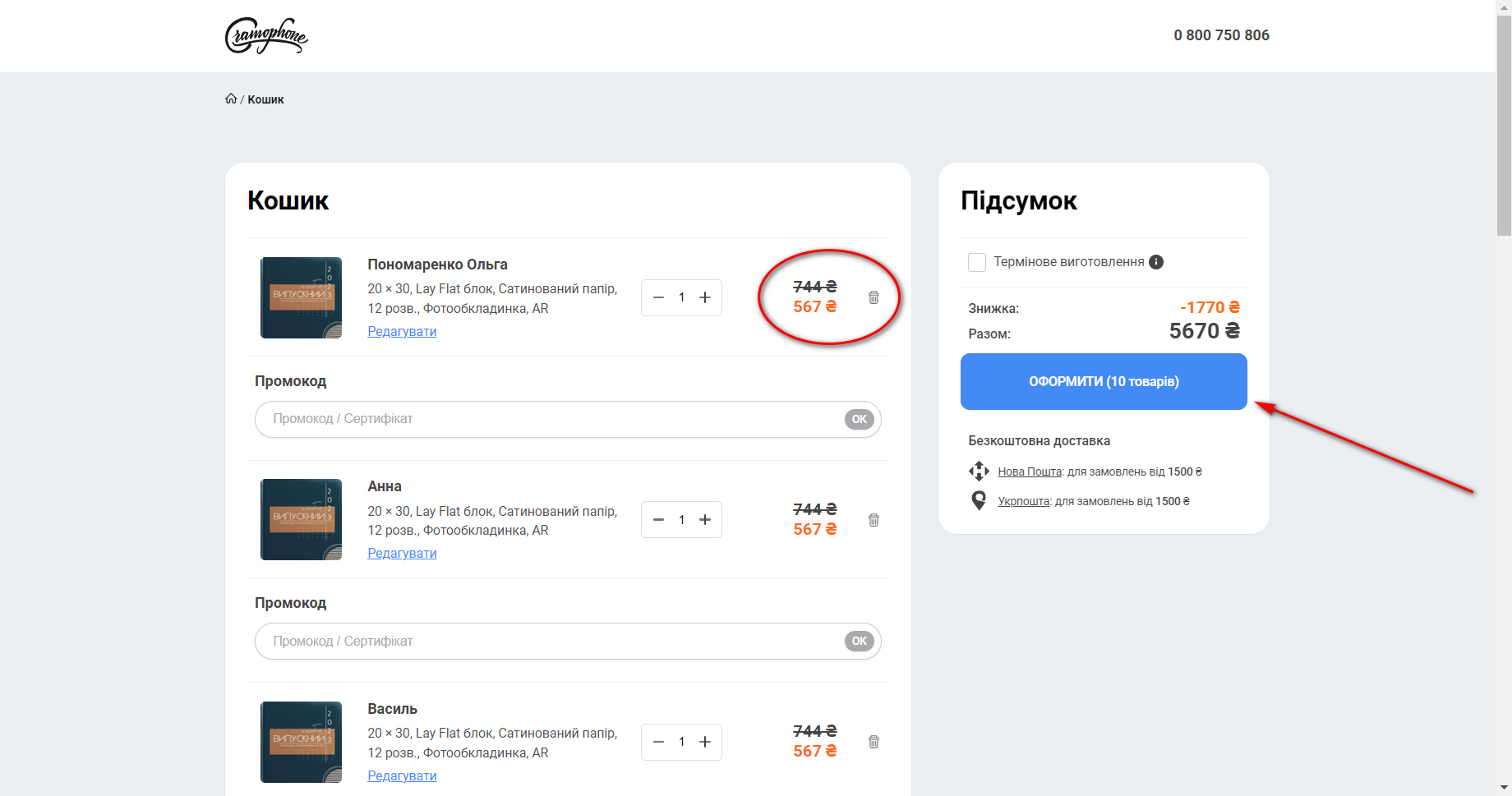
Repeat all the previous steps until you have collected all the albums you need in the basket. When ordering 10 or more photo books (without changing the parameters!!!) a 20% discount for whole print run will be automatically calculated in the basket.
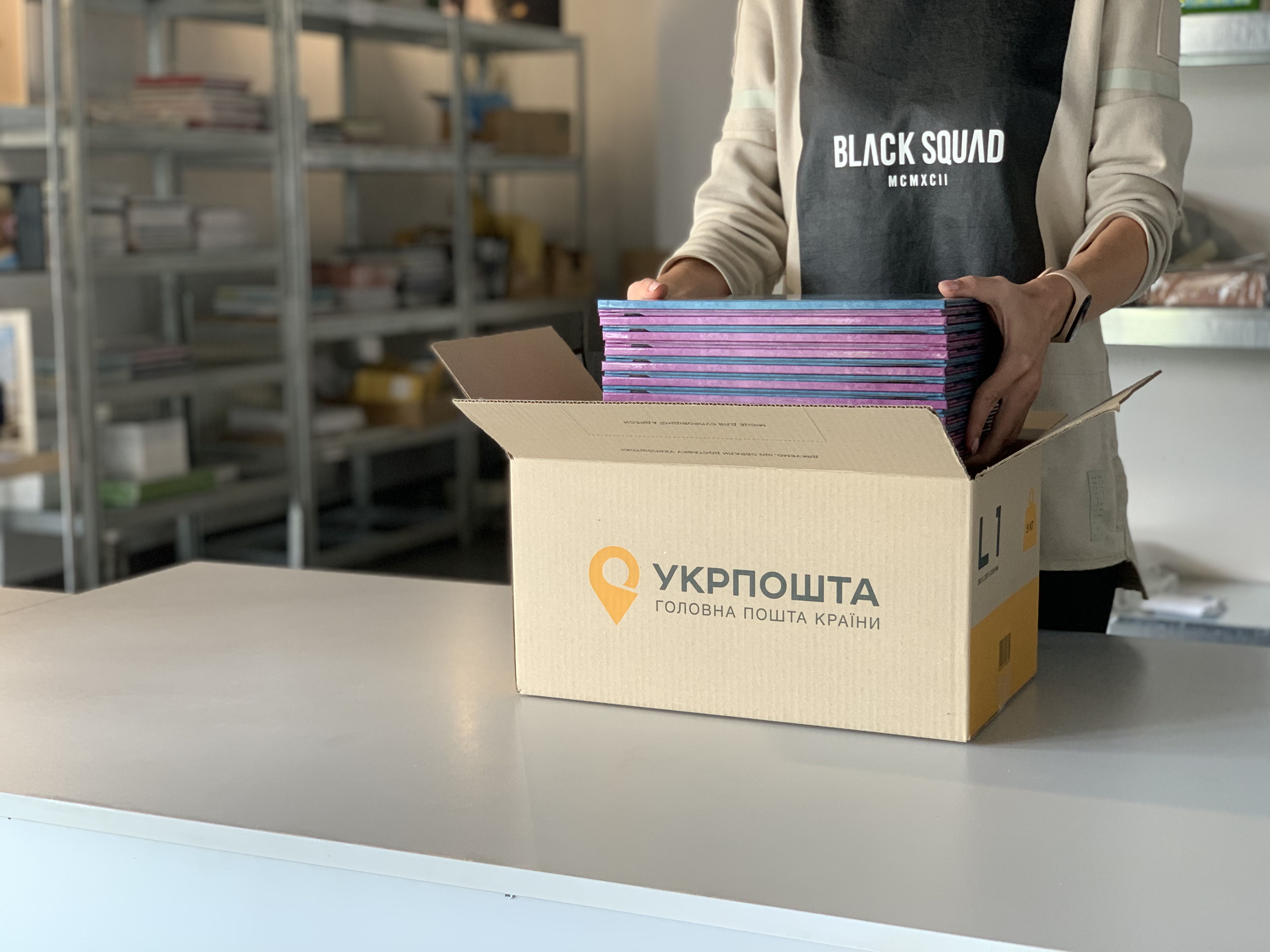
Then you just need to place the order. Delivery is possible by Nova and Ukrposhta, with full payment or cash on delivery. Self-pickup in the city of Lviv. Important! Be sure to check the integrity of the books at the post office and make a damage report if necessary. All shipments are fully insured. Also check ALL albums for correct printing. Sometimes there is a shortage. In this case, simply do not pick up the parcel and inform our support service about the defect.
During the printing season of graduation photo books (approximately May-August), the production time is 10 working days (that is, about two calendar weeks).
If you have any questions, contact our support team on social networks and on the website from 9:00 a.m. to 6:00 p.m. on weekdays.
 0 800 750-806