 0 800 750-806

23 October 2026
How much does a photobook cost and what affects the price?


A photobook of a short trip, a family album covering a year and a wedding book can all cost different amounts. The price depends on the size, page count, book block construction, paper and cover design.
How do you choose your options? Start with your photographs: how many you have, which ones you want to display at a larger size, and who the book is for. This makes it easier to decide which features you need and where to spend your budget.
The examples below use the “Blank Slate” template. All include a hard photo cover with matte Soft Touch lamination. Gift packaging and delivery are not included.
| Specification | Best suited to | Price |
|---|---|---|
| 20 × 20 cm, magazine-style block, matte paper, 26 pages | A short trip, a birthday or a small selection of family photos | UAH 499 |
| 23 × 23 cm, magazine-style block, matte paper, 26 pages | A family story with larger photos and room for captions | UAH 809 |
| 23 × 23 cm, Lay Flat, satin paper, 24 pages | A wedding book, portraits and full-spread panoramas | UAH 1,199 |
These are examples of complete specifications with different page counts. They do not show the surcharge for changing a single option.
The book size determines how large your photos will be and how much room remains for design elements and text.
A compact book works well for a small story: a weekend in a new city, a birthday or a baby's first months. A larger size makes faces easier to see, gives landscapes room and lets you place several photographs together.
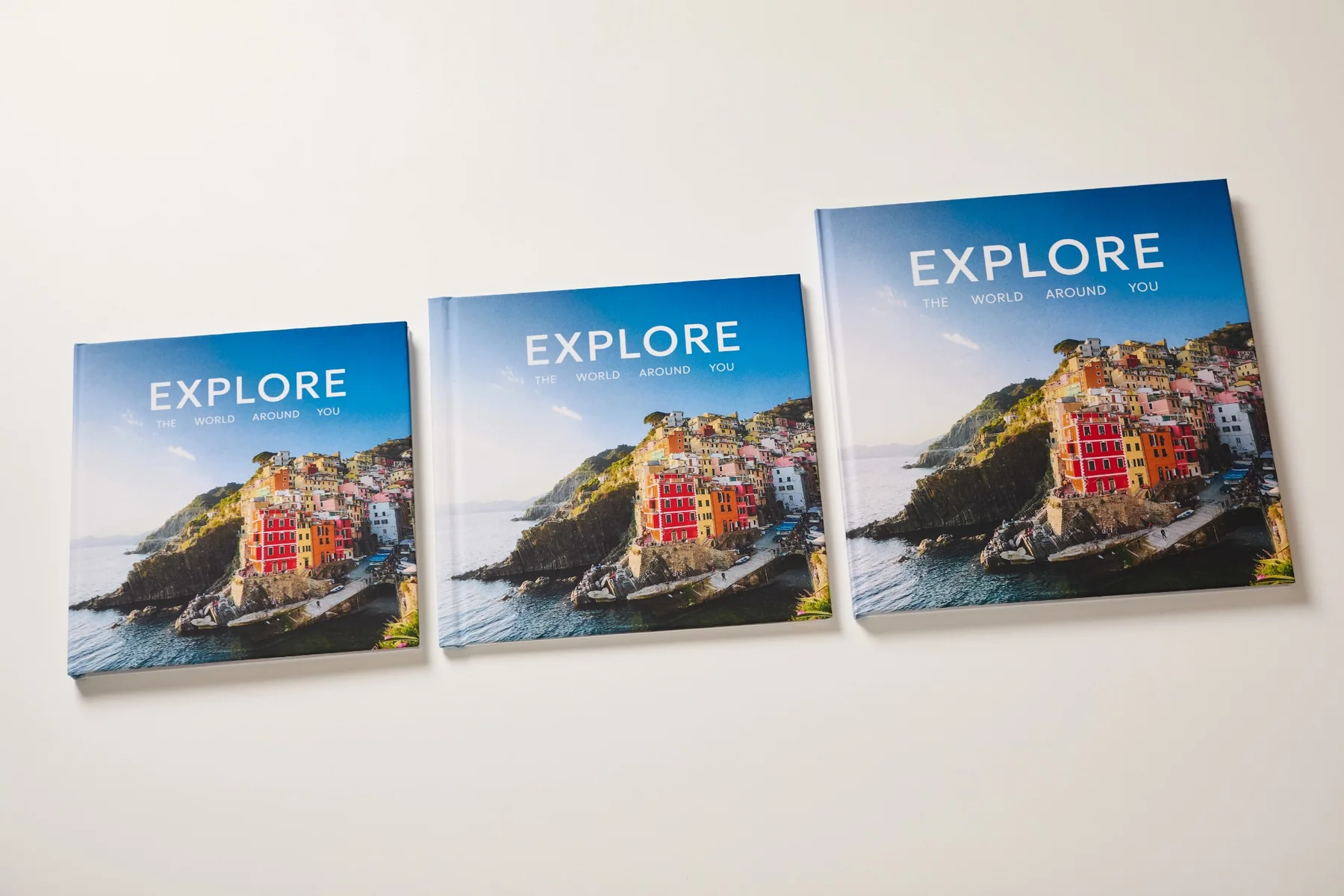
How to choose: picture two or three key spreads. If they will feature large portraits, group photos or landscapes, the extra space will be useful. A compact book may be enough for a short selection of individual shots.
File quality matters too: the larger a photo appears on the page, the more visible its details and any imperfections become.
Gramofon offers two book block types: magazine-style and Lay Flat. These affect the book's construction, how the pages feel and the layout options available.
A magazine-style block has flexible pages and a conventional book fold. It suits stories with photos placed individually on pages, interspersed with captions or text.
Lay Flat opens to 180°. This is convenient for wide landscapes, wedding shots and photographs you want to place across a full spread.
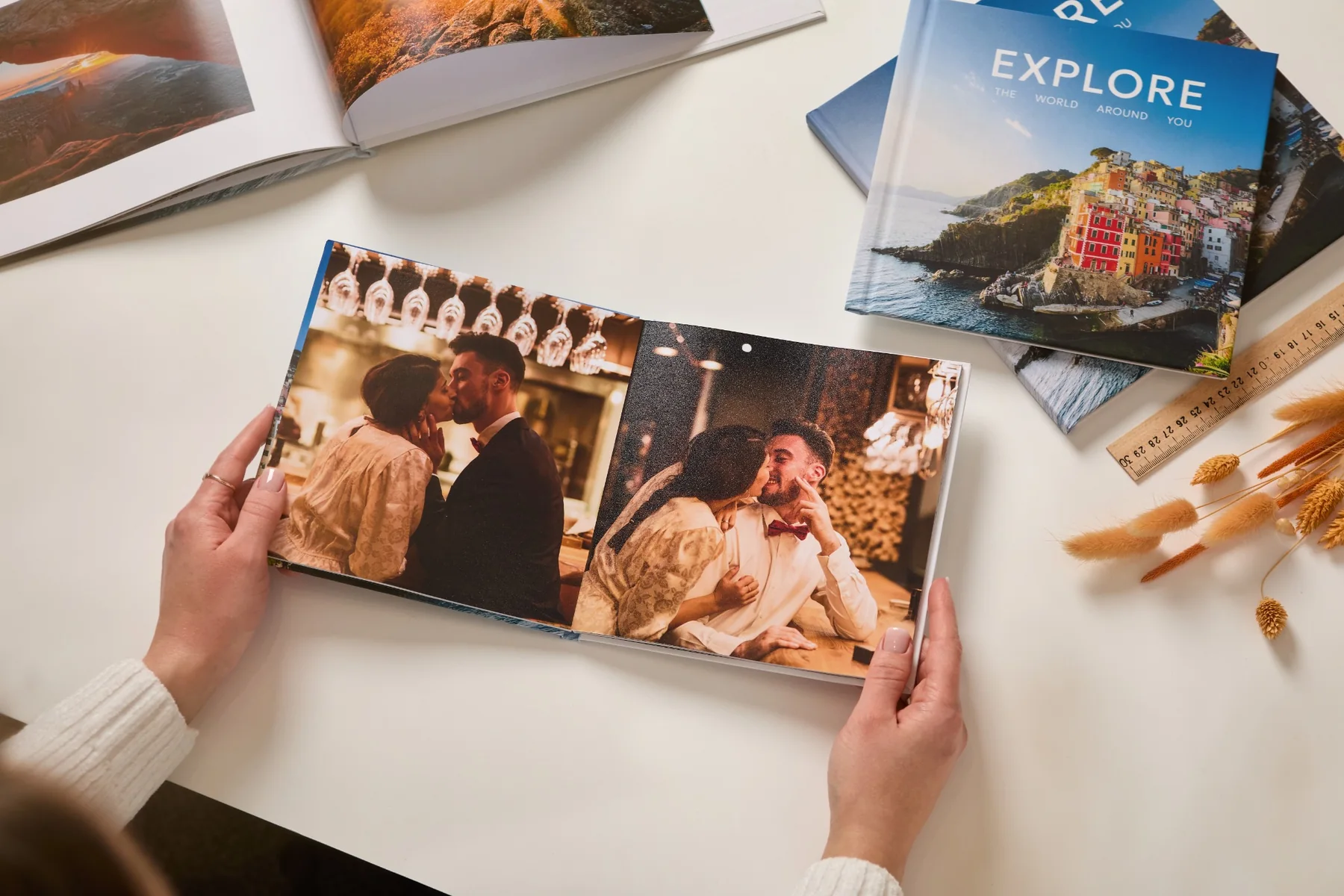
How to choose: if your layout has many images spanning two pages, consider Lay Flat. If individual photos and collages form the basis of the book, a magazine-style block can also suit your idea well.
See the differences in more detail in our comparison of magazine-style and Lay Flat blocks.
More pages mean a higher book price. But the number you need depends on how your photos are arranged, as well as how many you have.
One favourite shot can fill an entire page. Several photos from the same walk can make up a spread. For a travel story, you may also want space for dates, routes and short memories alongside your pictures.
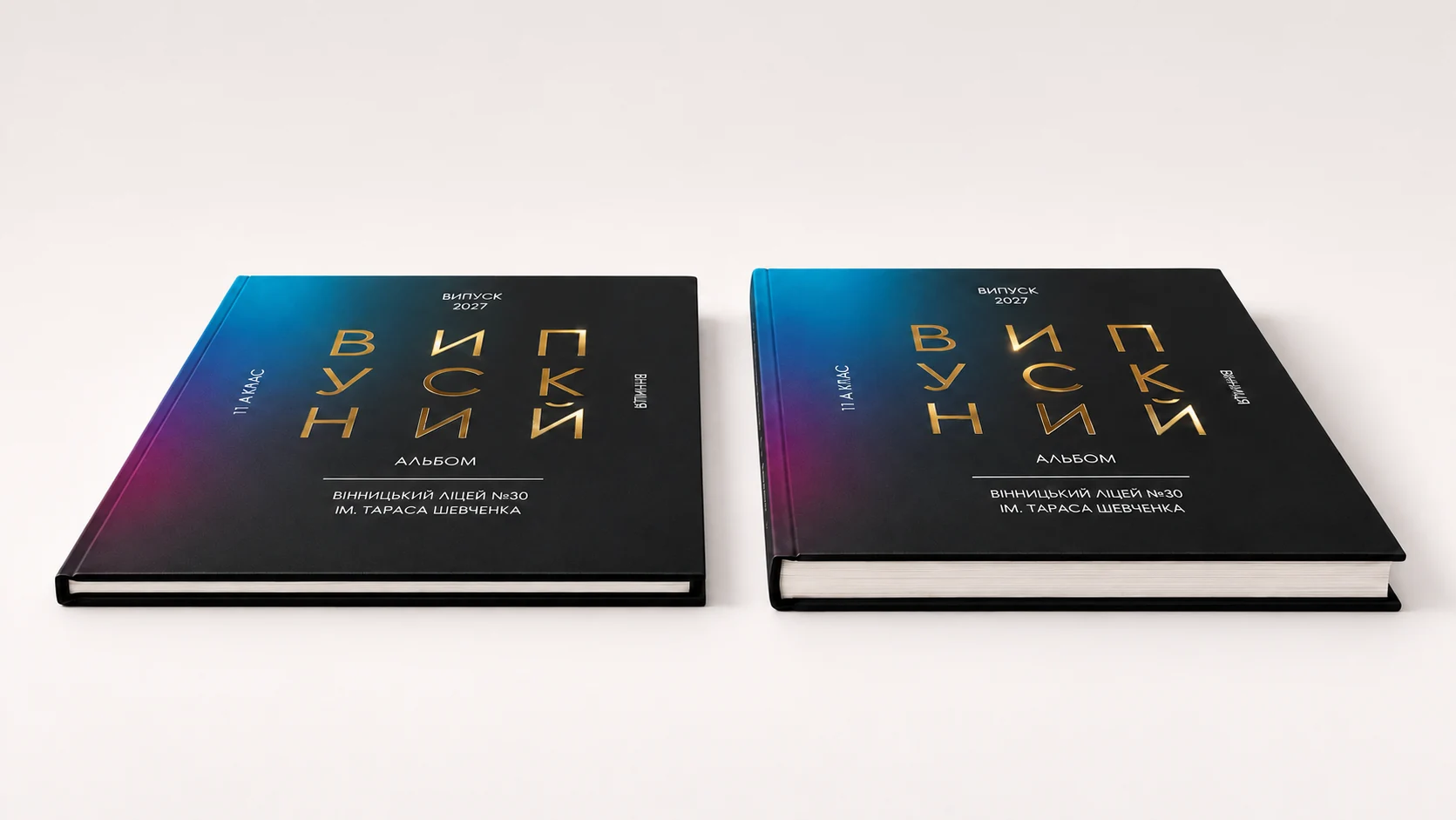
How to choose: before designing your book, select your photos and group them by event. Remove duplicates from the book selection while keeping the original files. Then decide which images deserve a page of their own.
Avoid squeezing everything into the smallest possible page count: very small photos are difficult to see. Give the important moments enough room.
Remember: a page is one side of a sheet; a spread is the two facing pages of an open book. When comparing options, check which unit is being used.
Paper affects how your photographs look and how the book feels in your hands. The available options depend on the book block:
Think about which you prefer: a matte or shiny surface, flexible or firm pages.
How to choose: focus on how you want the book to feel. If you like firm pages, explore the relevant Lay Flat options. If you enjoy turning flexible sheets, consider a magazine-style block.
You can compare the available paper and construction combinations, along with their prices, in the book settings.
The cover sets the mood before the first spread.
A photo cover lets you use a photograph, add a title and create your own composition. It immediately shows what your book is about.
Fabric, faux leather and velour add texture. Consider these materials if you like a design featuring a title or a distinct decorative accent.
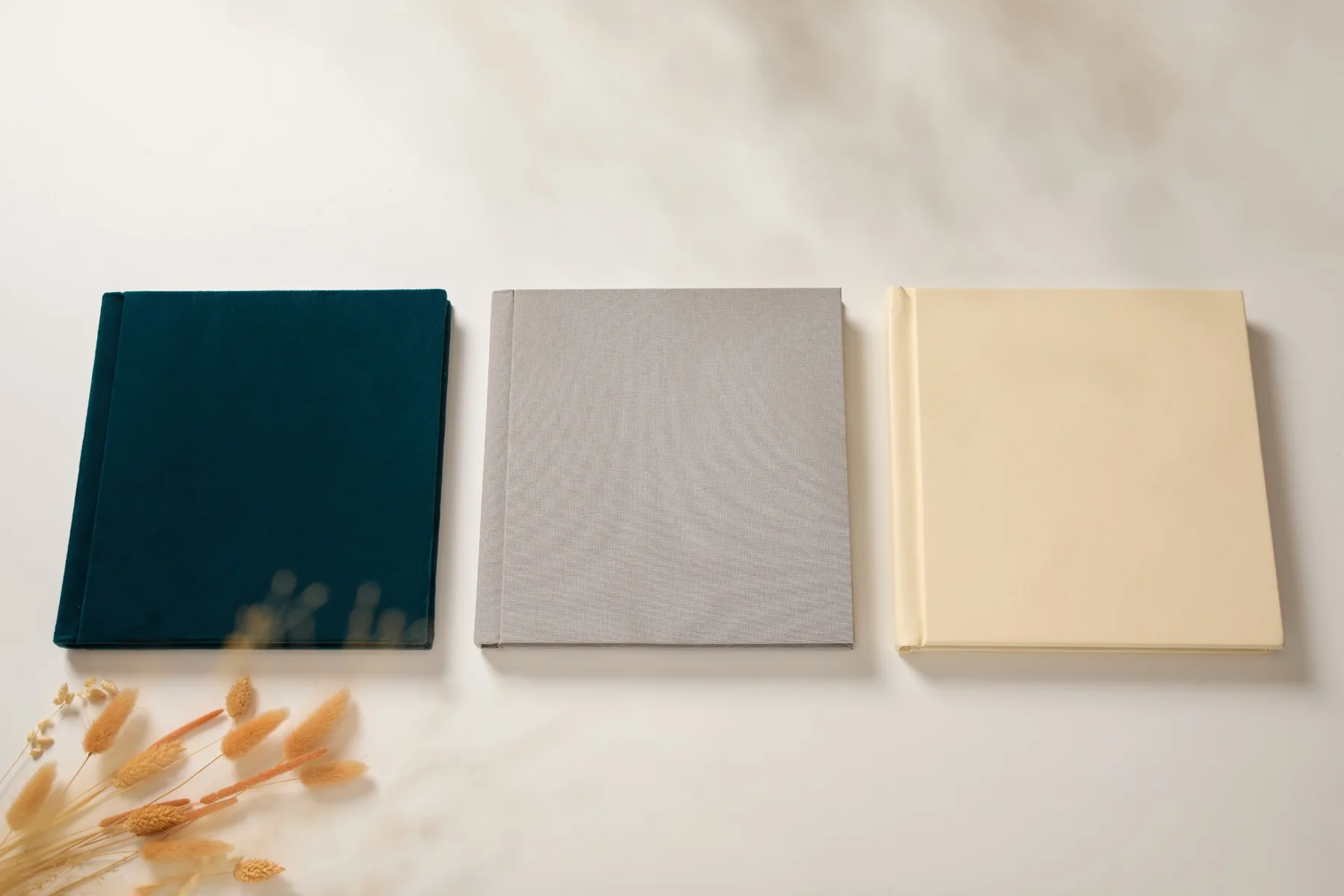
Cover finishing options also include engraving, embossing, UV printing and an acrylic photo window. Compatibility depends on the material; the editor shows the suitable options.
How to choose: decide on the main element of your cover: a photograph, a title or the material's texture. Then choose a finish that brings it out. For a gift book, the cover can play an important part in the overall impression.
If the photobook is a gift, a box or bag can complement its presentation. Packaging is priced separately.
Planning several copies for yourself, parents or friends? Check the total order amount from the start. Any available discount terms will be shown at checkout.
Also account for delivery and your payment method: payment on delivery, for example, may involve a carrier's fee. Current rates and free-delivery terms are on our delivery and payment page.
Start with a basic specification: size, block type, paper and an approximate page count. Then change one option at a time to see how much each decision costs.
Decide what matters most to you. For landscapes, it may be a larger size and Lay Flat opening. For a family chronicle, enough pages. For a gift, a textured cover and packaging.
Before ordering, review the layout: faces near the edges, dates, captions and page order. Check the editor's image-quality warnings and use original photo files whenever possible.
A successful photobook starts with your photos and your idea. Choose the options that give them the space, look and feel they deserve.
Choose a template and calculate your photobook price
Making your first book? Follow our step-by-step guide to creating a photobook on your phone.
Order not found. Check the entered number and try again.